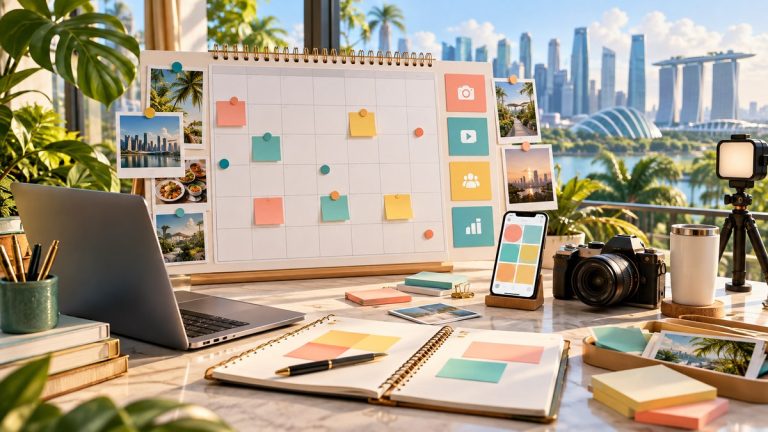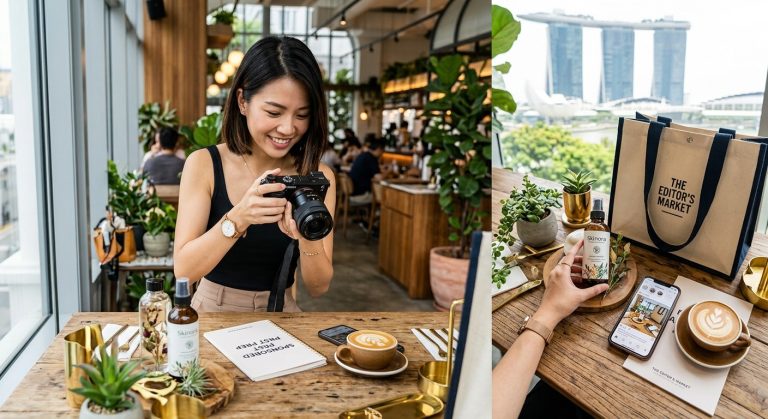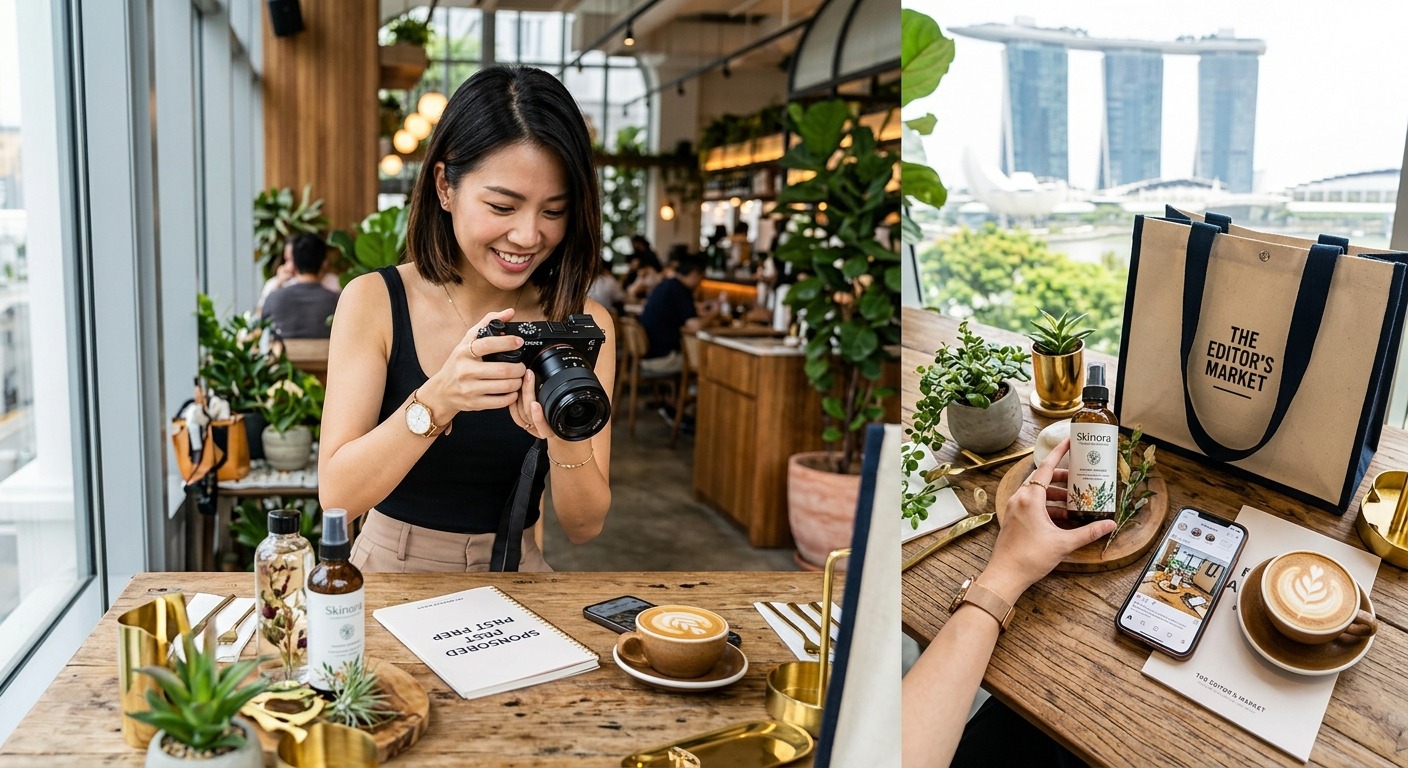
Your chicken rice looks delicious. The lighting is lovely. Then the brand asks for a vertical crop, and its logo disappears behind your thumb. A photo can work beautifully on your own feed yet still miss a sponsored campaign’s needs. Preparing brand-ready photos starts before you press the shutter. You need a clear brief, useful shot choices and files that arrive ready for review.
Your Photo Delivery Plan: Start with the campaign brief and give each photo a job. Capture the product clearly, include a believable everyday setting and leave room for different crops. Choose images that support your story, then edit with a light touch. Before sending anything, confirm the brand’s dimensions, file limits and intended uses. A tidy folder with clear filenames makes approval easier and helps you present your work with confidence.
Turn the Campaign Brief Into a Photo Plan
Before a sponsored shoot, work out what the brand wants readers to notice. Is the focus a new menu item, a handmade accessory or a homeware launch? “Make it look appealing” gives you little direction. A more useful aim is “show how this compact bag fits into a weekday outing”. That tells you which details and situations to photograph.
Read the brief for required products, packaging, campaign colours and visual restrictions. Check whether the brand expects your face in the photos. Confirm whether text will be added later. A designer may need clear space beside the subject, even if your usual photography fills every corner.
Build a small shot plan around the story you will tell. For a hawker food review, that might mean the stall frontage, the full meal and a close view of the dish you discuss. For a local lifestyle collaboration, it could include the product alone, a detail and an image showing you using it.
Keep the scope tied to your agreement. If the brief covers five edited photos, confirm whether those are five distinct images or several crops of fewer photographs. Clarifying this early protects your editing time and gives the brand a clearer expectation.
Plan Around Singapore’s Everyday Shooting Conditions
A hawker centre shoot comes with practical limits. Tables fill up. Food cools down. Mixed lighting can make a white plate look yellow in one photo and blue in the next. Arrive with your main shots planned, then choose a spot where the light looks consistent.
If there is a suitable seat near an open side, try photographing there. Keep direct sunlight off the plate if it creates harsh patches. A piece of white card can help bounce light onto a darker side. Take a test photo before arranging the whole meal.
For a lifestyle shoot outdoors, prepare an indoor alternative in case of rain. Check what appears behind the product too. A busy walkway may suit an everyday fashion story, but a distracting sign can compete with a small accessory.
At home, clear the area visible in the frame. You do not need a showroom. A tidy corner with believable details often suits a personal blog better. Keep private letters, delivery labels and reflections of other people out of the shot.
Capture a Useful Mix of Product and Story Images
A set of nearly identical close-ups gives you fewer options than you might think. Aim for photographs that answer different reader questions. What does the product look like? How big is it? How would someone use it? What detail supports your review?
Use this shooting checklist to cover the essentials:
- Main image: A clear view of the featured dish or product, with enough space for the intended crop.
- Context image: The item in a believable setting, whether that is a hawker table, your desk or a weekend outing.
- Detail image: A feature you will discuss, such as fabric texture, a bag clasp or the ingredients in a dish.
- Use image: A natural action that shows scale or function, with hands and props placed carefully.
- Alternative framing: A wider or vertical version that gives you options during selection.
Photograph food before stirring sauces through it or taking the first bite. Then capture the eating experience if it supports the story. For clothing and accessories, check that folds, straps and your pose do not hide the feature the brand wants shown.
Review a few images while you are still at the location. Zoom in on the subject. A slightly blurred logo is much easier to fix with another photograph than with an editing session at midnight.
Select Photos That Earn Their Place in the Post
Start selection by removing technical failures. Set aside missed focus, accidental motion blur, awkward expressions and shots with distracting backgrounds. Next, compare similar frames and choose the strongest one. Sending every variation shifts the selection work onto the brand.
Judge each image against your planned copy. If your review discusses the filling inside a pastry, include a photo that shows it. If you describe a bag as spacious, photograph a realistic arrangement of items inside. The image should help the reader understand your experience.
Check the whole set for variety and consistency. Three attractive photographs can still feel repetitive if they all show the same angle. Choose a sequence that moves from the overall scene to useful details.
Keep an alternative for a key shot when you have one. The brand might prefer a different expression or need more space beside the product. Hold that option separately until it is requested, so your main submission stays focused.
Prepare JPG Files With Careful Edits
Make your basic edits before creating delivery versions. Straighten the frame, adjust exposure and correct an obvious colour cast. Keep food colours believable. For a lifestyle product, check that your editing has not changed its shade or hidden its texture.
During file preparation, free JPG tools can help you calculate aspect ratios, inspect image information and compare versions side by side. Use these checks alongside your photo editor when preparing JPG files. For example, inspect a compressed export against your edited original to see whether fine details have become blurred.
Keep your original photos and edited master files. Create separate copies for delivery, then crop and resize those copies. If the brand requests a different shape later, you can return to the master instead of stretching an already cropped image.
Watch for heavy sharpening around lettering and bright edges. Check skin, shadows and textured surfaces too. An image may look tidy at a small preview size but show rough patches when opened fully.
Remove accidental distractions where appropriate, but preserve the product’s actual appearance. Do not enlarge a food portion, invent a feature or smooth away a material detail that readers need to see. Your photos should support an honest account of the collaboration.
Check the Brand’s Specifications Before Final Export
Revisit the written brief before exporting your delivery set. Confirm the required file format, pixel dimensions, aspect ratio and maximum file size. Check whether the brand specifies a colour profile, naming format or version without text.
Separate the shape of an image from its resolution. A 4:5 crop describes its proportions. A size of 1080 by 1350 pixels describes its dimensions. Treat those numbers as an example, then use the requirements supplied for your campaign.
Ask where the images will appear. A blog header may need a wide composition. A vertical placement may need room above and below the product. Packaging artwork or print use can call for a separate specification. Do not assume one export will serve every placement.
If the brief says only “high resolution”, get a clearer requirement before submission. Ask for the intended placement and minimum dimensions. Avoid enlarging a small image just to reach a requested number, since that does not restore missing detail.
Check how the proposed use fits your agreement too. Photos for your sponsored post may have a different scope from images intended for paid advertising. Keep usage, duration and any extra versions clear before you deliver files for those purposes.
Organise Deliverables for an Easy Review
Create a campaign folder with separate areas for originals, edited masters and final delivery files. Share the delivery folder with the brand. This helps prevent an unfinished edit or an unused frame from being mistaken for an approved asset.
Give each file a name that explains what it contains. A name such as campaign_product-detail_vertical_v01.jpg is easier to discuss than IMG_4827.jpg. Use the same naming pattern across the set. If the brand has its own convention, follow that.
Include a brief delivery note stating the number of images, the supplied formats and any agreed variations. Match filenames to placements where useful. The reviewer should be able to tell which image you propose for the blog opening and which belongs in the supporting sequence.
Test the shared folder before sending its link. Confirm that the intended recipient can open it and download the files. Use file attachments or a download folder for final delivery rather than relying on photos sent through a messaging app.
Track revisions clearly. When a replacement is requested, update its version number and explain which file it replaces. Archive older versions separately so the current delivery folder does not contain several files all labelled “final”.
Give Your Photos One Last Reader’s Check
Before submission, view the images beside your draft copy. Does the opening photo introduce the right product? Do the detail shots support what you wrote? Does anything in the frame suggest a claim you cannot explain?
Check the crops on your phone as well as your editing screen. Look for cut-off packaging, cramped subjects and text that becomes hard to read. Inspect the actual exported files, because those are what the brand will receive.
For a hawker review, verify that the pictured dish matches its name in your draft. For a lifestyle collaboration, confirm that you photographed the agreed colour and model. These small checks can prevent a fresh round of edits after submission.
Make Your Next Brand Handover Feel Easier
Brand-ready photography grows from a repeatable routine. Plan each image, shoot with the brief nearby, select with purpose and check the exported files before delivery. You can do this with a phone and a modest setup.
After the campaign, save a reusable shot checklist and folder structure. Note any feedback that could help your next collaboration. You will spend less time fixing avoidable problems and more time creating photos that feel natural to your blog, useful to your readers and ready for the brand to review.
About the Author